SDRTrunk
Dennis Sheirer
Java trunking decoder used by a lot of P25 and multi-protocol hobby sites. Follows the control channel, records calls, talks to the same ingest style ThinLine Radio expects.
github.com/DSheirer/sdrtrunkThinLine Radio does not generate radio traffic. An operator puts up an antenna, digitizes the signal with an SDR, decodes it with software they chose, and only then does audio reach a server they run. This page is the chain, the programs, what it usually costs — and why that audio should stay yours.
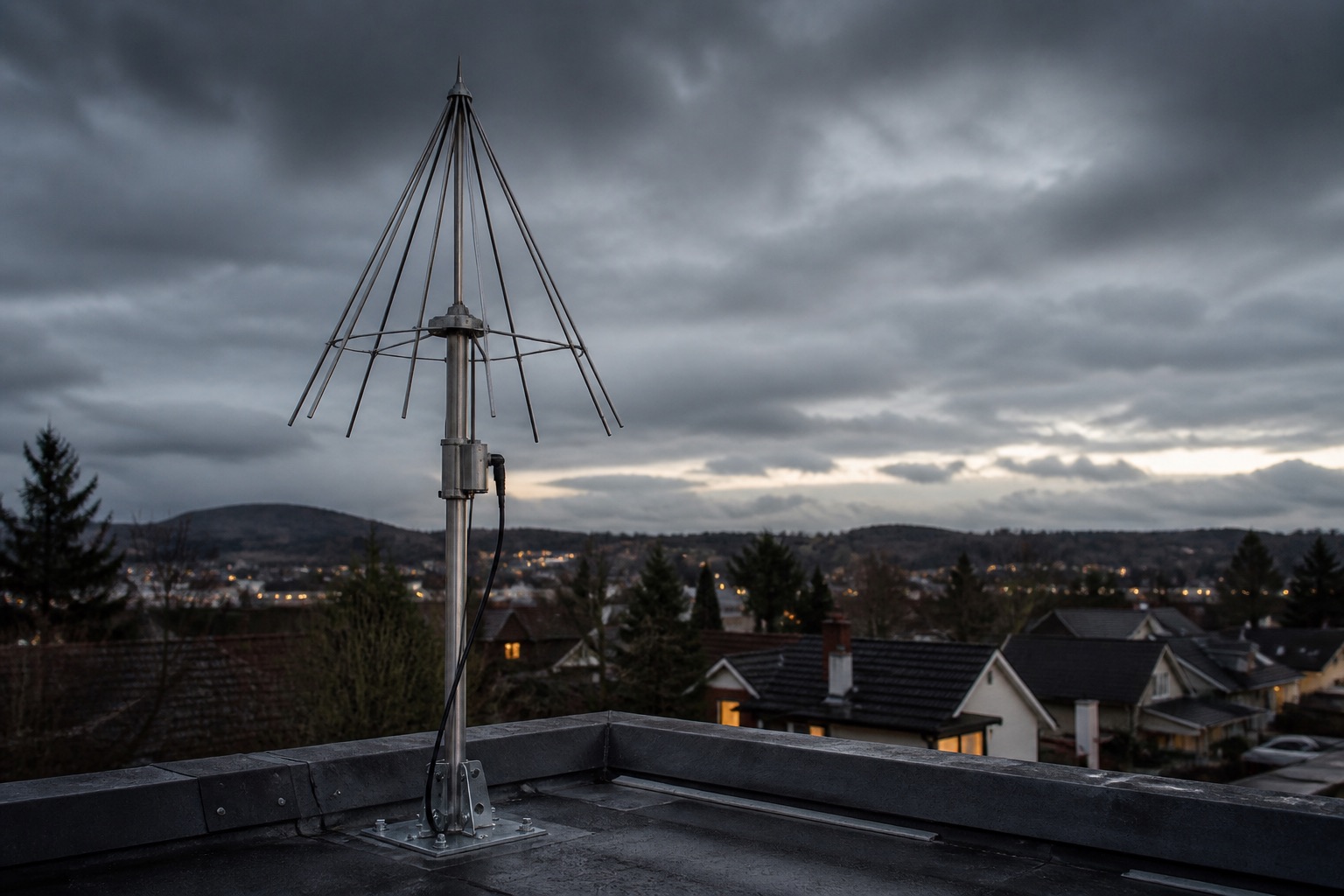
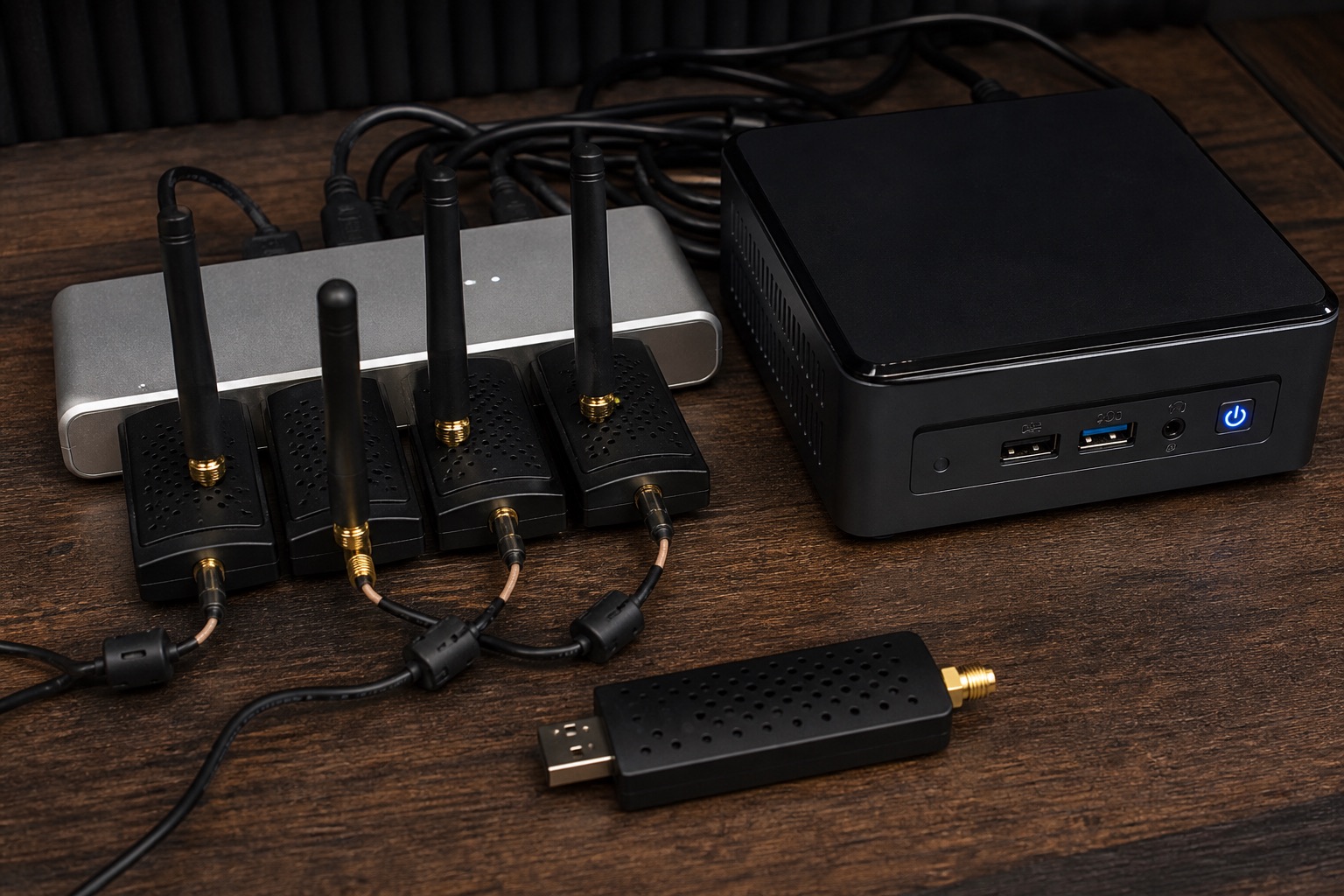
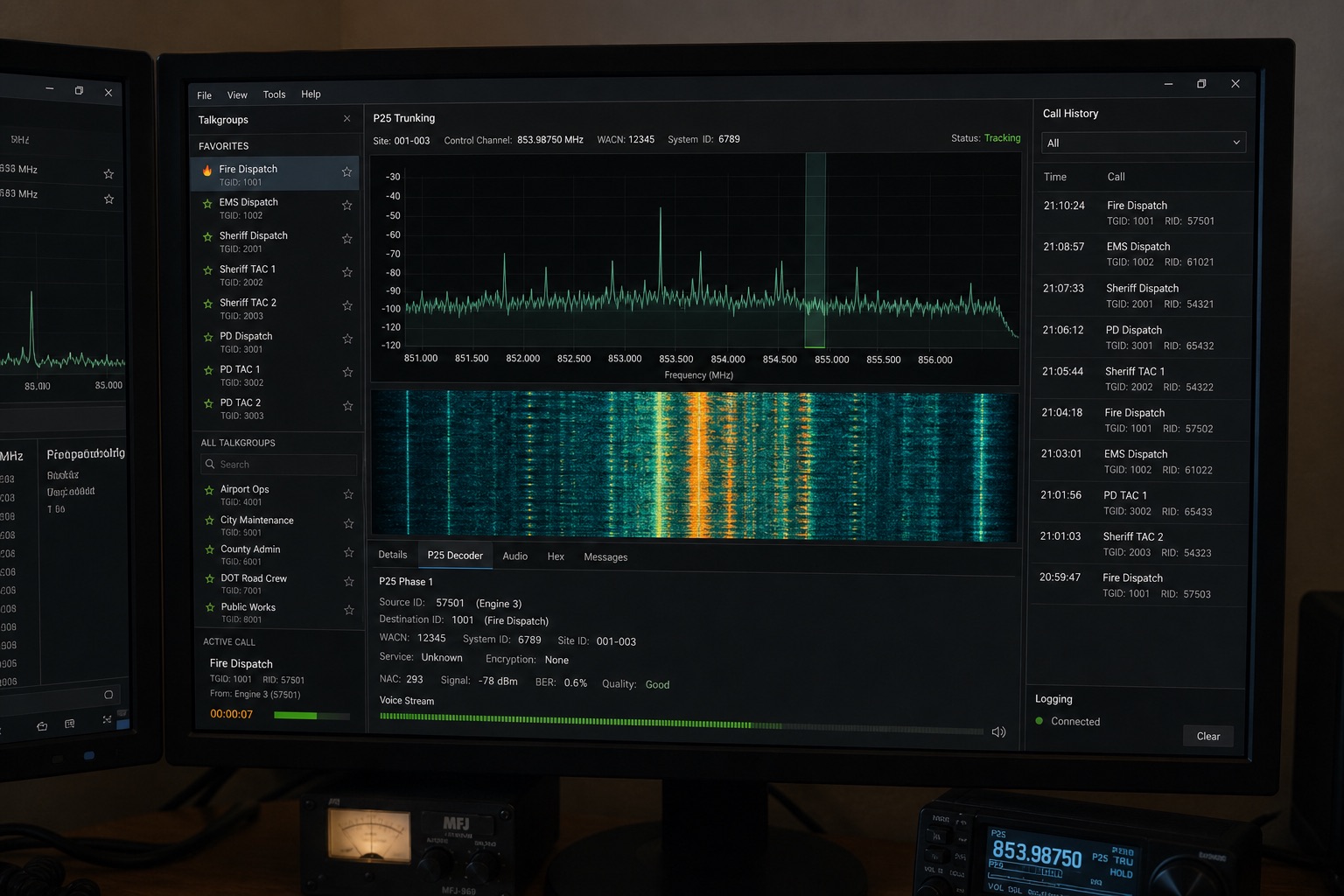
Steps 1–4 belong to the operator. They buy the antenna and the tuners, they pick the decoder, they decide what talkgroups get recorded and how long audio is delayed. ThinLine Radio is the platform that receives those files, stores them, applies the delay the operator configured, and serves the web player and the mobile apps.
That is why a quiet county in the app is almost never “the app broke.” It is an antenna, a dongle, a computer that went to sleep, or an operator who stopped the recorder.
Once those files exist, you choose where they go. Keep them on a server you run — or hand them to a third-party network that did not pay for the roof. Run yours is that choice.
ThinLine Radio is compatible with the same recorder-side world Rdio Scanner used: software that can drop one audio file per conversation. We did not write SDRTrunk or Trunk Recorder. Those projects, and the people who maintain them, are why any of this works.
Dennis Sheirer
Java trunking decoder used by a lot of P25 and multi-protocol hobby sites. Follows the control channel, records calls, talks to the same ingest style ThinLine Radio expects.
github.com/DSheirer/sdrtrunkLuke Berndt
Open-source recorder built around GNU Radio. Common on Raspberry Pi and small Linux boxes. Writes per-call audio that operators point at ThinLine Radio or Rdio Scanner.
github.com/robotastic/trunk-recorderTomasz Lemiech and contributors
Lightweight multi-channel AM/NFM receiver. Often used for airband and analog public-safety channels rather than full digital trunking.
github.com/szpajder/RTLSDR-AirbandDSDPlus LLC
Windows digital-voice decoder (P25, DMR, NXDN, and others). Many operators pair it with a tuner front-end, then feed completed calls into the scanner server.
dsdplus.comProScan
Windows scanner control and recording. Used when the radio is a traditional scanner deck rather than a pile of USB dongles.
proscan.orgCommunity / hobby recorder
Call-oriented recorder in the same ingest family: audio files split by transmission, which is what ThinLine Radio needs to index a feed.
rtl-sdr / osmocom USB stack and GNU Radio sit under several of these tools. If you run Linux dongles, you are standing on that work too.
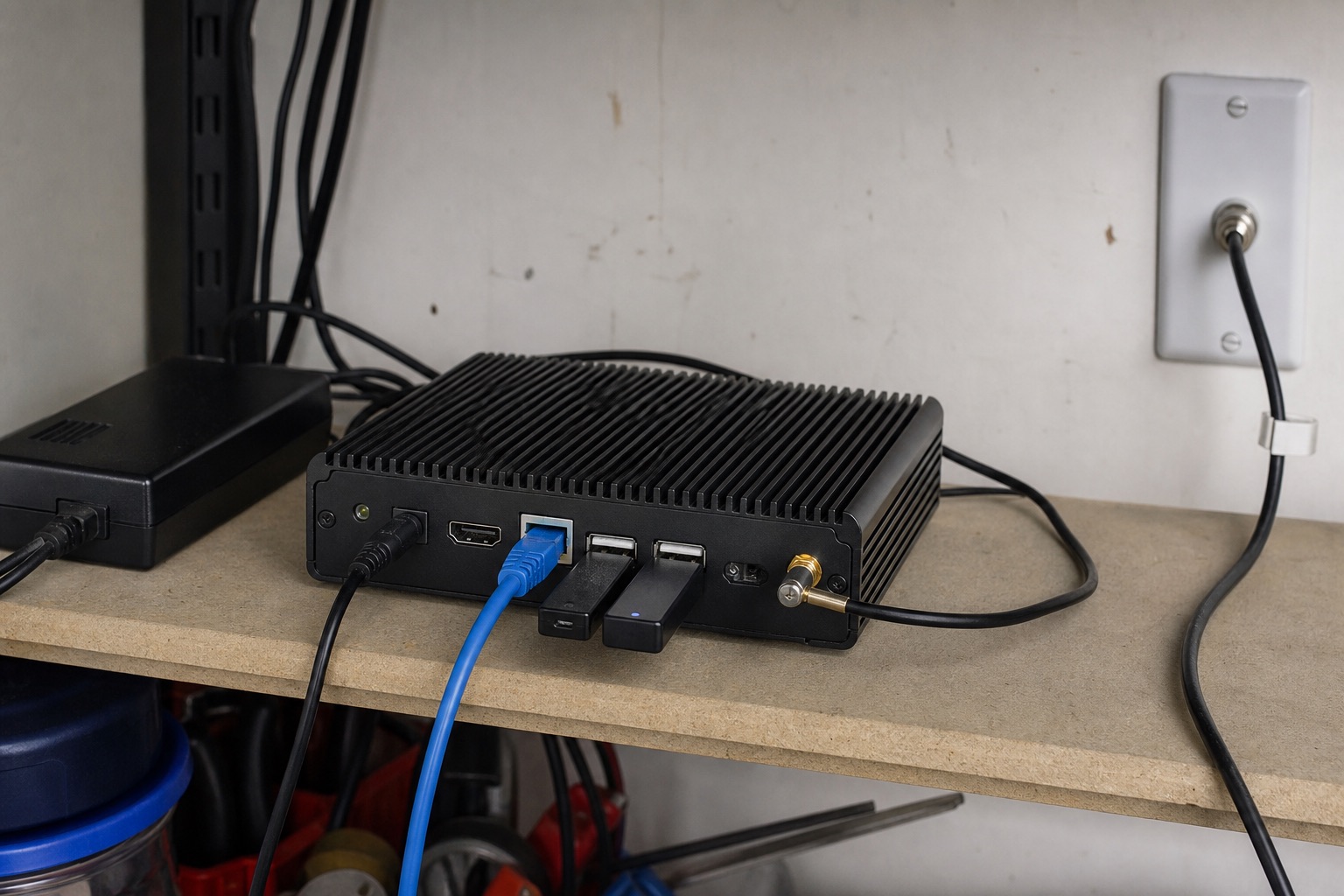
Street prices in US dollars, 2026 ballpark. This is not a store and we do not sell hardware. Operators shop RTL-SDR Blog, Airspy, Amazon, and ham swap meets. Electricity is the quiet monthly bill.
About $150–$350
Enough for a few analog channels. Not a full P25 trunked system.
About $500–$1,200
This is the box behind most independent ThinLine Radio / Rdio Scanner sites you hear in the app.
Usually $5–$25 / mo
You do not need our cluster to run a feed. The HA nodes on the Status page are ThinLine’s public services, not your garage PC.
Scanning laws differ by country and state. This page is how the audio chain works, not legal advice. Encrypted systems are not something we help decode.
Your antenna. Your server.
You paid for the mast, the tuners, the always-on PC, and the hours. Piping that into a third-party feed network means they keep the listeners, the ads, and the income. You keep the electric bill. They did not buy the setup. They still make a product out of it.
Run ThinLine Radio on hardware you control. Charge for access if that is the model. Stay a free public service if that is the model. Expand to another county when you are ready. Offer delay, accounts, alerts, and a real app — not a slot on a national feed page.
The files stay on a machine you own or rent. You set the delay, the users, and who hears what. Nobody else gets to rebrand your county as their inventory.
Accounts and billing are in the software. Subscriptions, access groups, commercial sites — if you want to recoup the hardware, you can. If you want it free for the county, that is still your call.
Add talkgroups, add a second site, add another operator. You are not waiting for a directory to give you a slot or a national network to notice the feed.
Transcription, tone alerts, incident maps, iOS and Android. That is what listeners actually stay for — not a generic player on somebody else’s domain.
This is not a promise that a feed will pay for itself. Most hobby sites never will, and that is fine. The point is the audio, the listeners, and the rules stay with the person who put up the antenna. See platform features.
ThinLine Radio sits at the end of a long chain of people who published tools for free or for a modest license. We extend Rdio Scanner. We do not pretend we invented SDR, P25 decoding, or USB tuners.
| Project | People / org | Role in the chain |
|---|---|---|
| SDRTrunk | Dennis Sheirer | Digital trunking decoder |
| Trunk Recorder | Luke Berndt | GNU Radio recorder |
| RTLSDR-Airband | Tomasz Lemiech & contributors | Analog / airband receive |
| DSDPlus Fast Lane | DSDPlus LLC | Digital voice decode |
| ProScan | ProScan | Scanner control & record |
| rtl-sdr / osmocom | osmocom & contributors | USB dongle stack |
| GNU Radio | GNU Radio project | SDR signal processing |
| Rdio Scanner | Chrystian Huot | Scanner server ThinLine is built on |
| ThinLine Radio | ThinLine Dynamic Solutions | Platform, apps, delay, accounts, alerts |
Project names and marks belong to their authors. Links go to the upstream sites. If we missed a recorder you use with ThinLine Radio, tell us on Discord.